Beyond 2541(VE400)
NEXT Gen Model
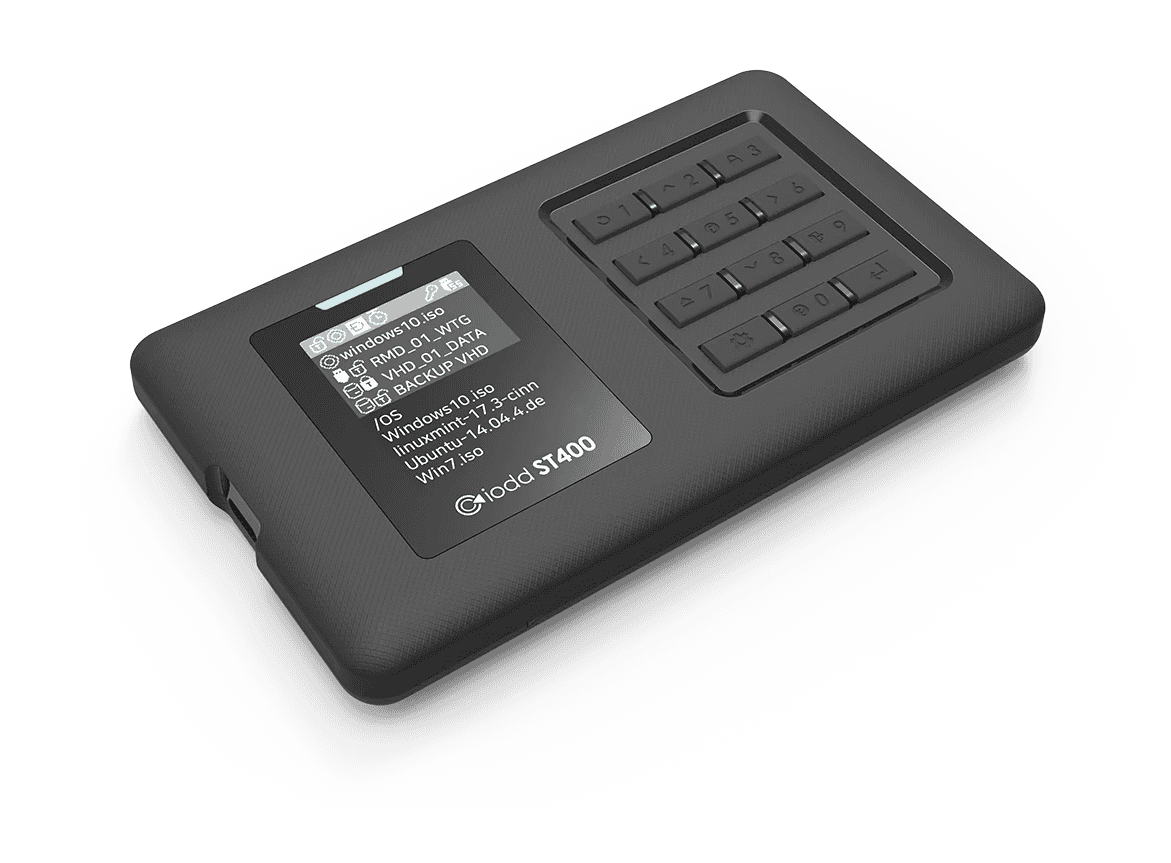
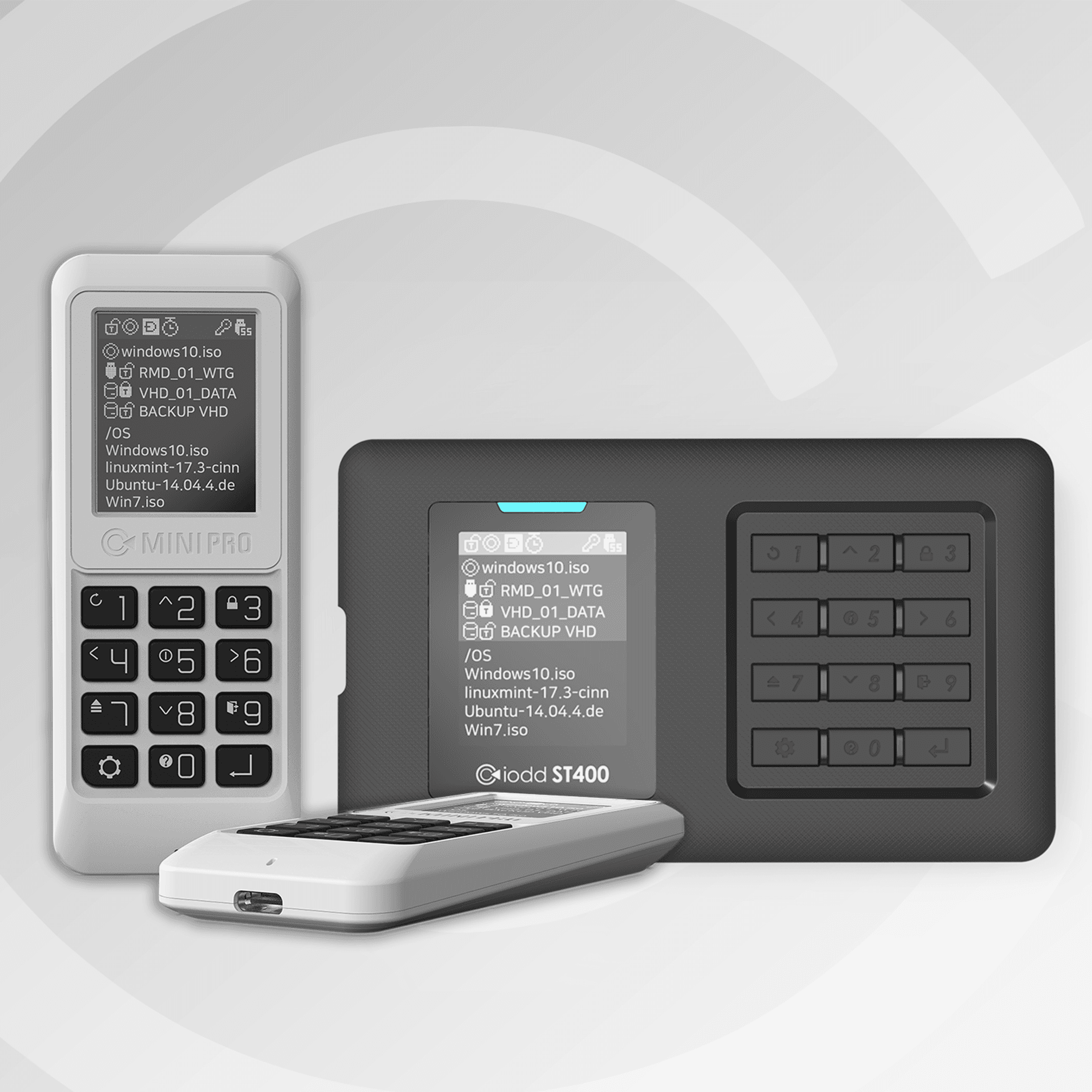
IODD ST400

Drastically slash your downtime with hardware-level virtual drive technology. Just drag and drop to prepare bootable images—no more repetitive flashing, no more waiting.
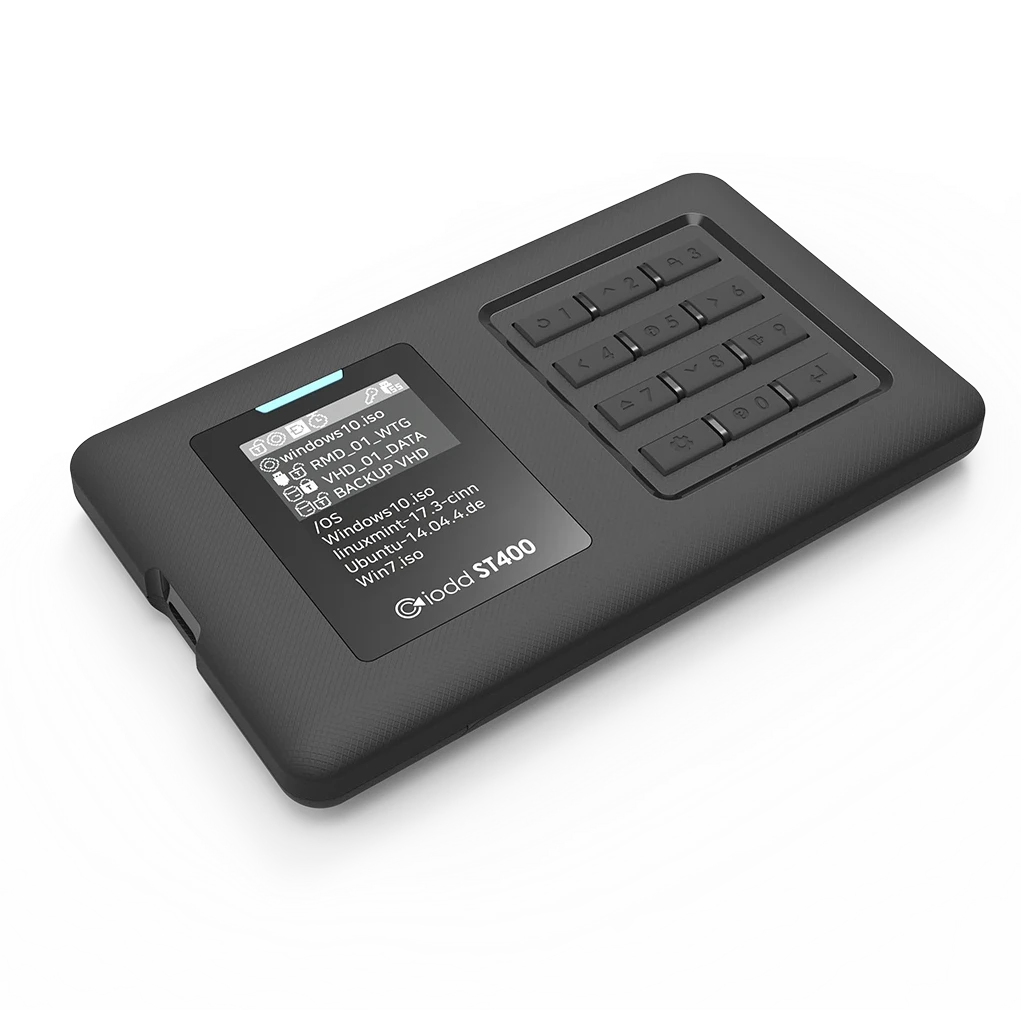
Max up to 4 Bootable Virtual Drive

AES256bit-XTS 76 digits Encryptions

AES256bit-XTS 76 digits Encryptions

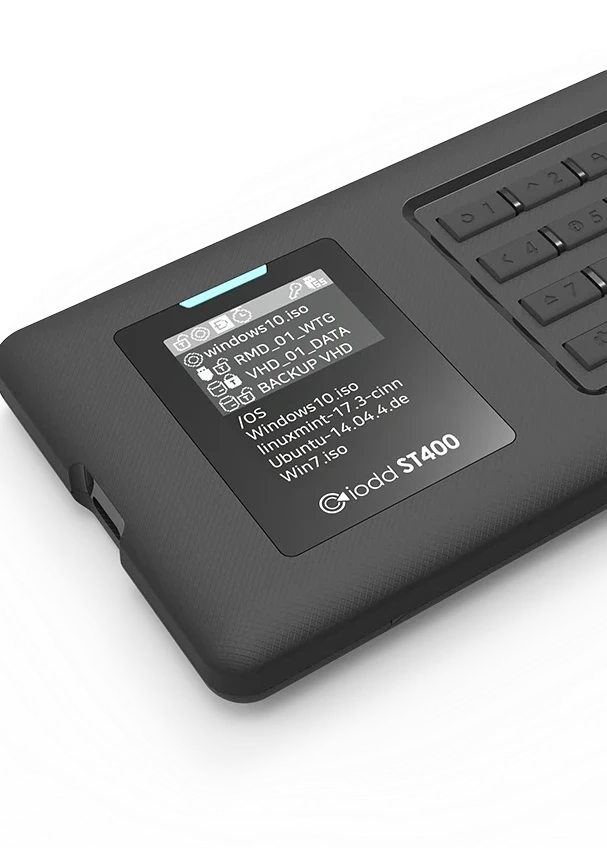
Built-in TXT Viwer

2.5 inch 7mm SSD/HDD

2.5 inch 7mm SSD/HDD

USB Type C Connector

IODD ST400

Engineered for Professionals

Bootable Drives

Max up to 4 Instantly mount ISO and VHD files as physical drives with flawless BIOS/UEFI compatibility.

Bootable Drives

Max up to 4 Instantly mount ISO and VHD files as physical drives with flawless BIOS/UEFI compatibility.

76 digits

Secure your assets with AES 256-bit XTS hardware encryption and an astronomical 76-digit passcode.

76 digits

Secure your assets with AES 256-bit XTS hardware encryption and an astronomical 76-digit passcode.

TEXT Viewer

Read technical manuals and critical notes directly on the device screen without an external OS.

TEXT Viewer

Read technical manuals and critical notes directly on the device screen without an external OS.

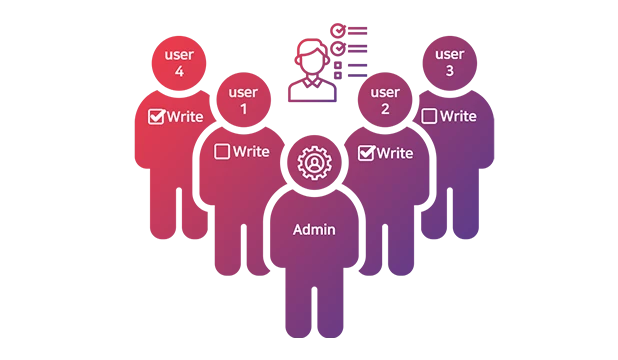
1 Administrator and 4 User passwords

Take full command with dedicated admin privileges to manage drive permissions and security settings.

1 Administrator and 4 User passwords

Take full command with dedicated admin privileges to manage drive permissions and security settings.

USB-C Interface

Experience high-speed data transfer and superior durability with a reversible, modern connection.

USB-C Interface

Experience high-speed data transfer and superior durability with a reversible, modern connection.

IODD ST400

Engineered for Professionals

Bootable Drives

Max up to 4 Instantly mount ISO and VHD files as physical drives with flawless BIOS/UEFI compatibility.

76 digits

Secure your assets with AES 256-bit XTS hardware encryption and an astronomical 76-digit passcode.

TEXT Viewer

Read technical manuals and critical notes directly on the device screen without an external OS.

1 Administrator and 4 User passwords

Take full command with dedicated admin privileges to manage drive permissions and security settings.

USB-C Interface

Experience high-speed data transfer and superior durability with a reversible, modern connection.

Compatible

Universal Booting&Install Without Boundaries.

Compatible

Universal Booting&Install Without Boundaries.

How it works

Bootable Drive -just three simple steps.

How it works

Bootable Drive -just three simple steps.

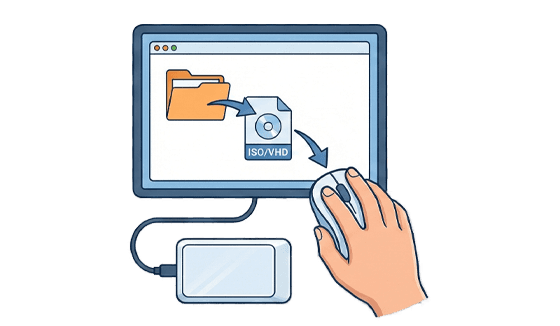
01

Drag & Drop ISO/VHD Files

Connect your IODD MINI PRO to a PC and simply copy your ISO, VHD, or DSK files anywhere on the drive. No specific folder structure like _ISO is required—just drag and drop.
02

Select & Mount via Device

Highlight the file you need and click to instantly mount it as a hardware-level virtual drive.

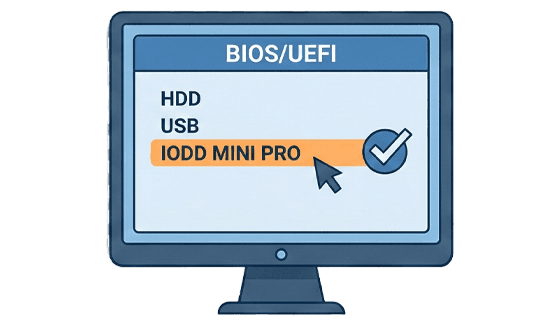
03

Zero-Failure Booting

Restart your target PC and select IODD as the boot device in the BIOS/UEFI menu. Since the emulation happens at the hardware level, it will be recognized as a physical ODD or HDD for a flawless boot.

Features

Smart,Powerful

Features

Smart,Powerful

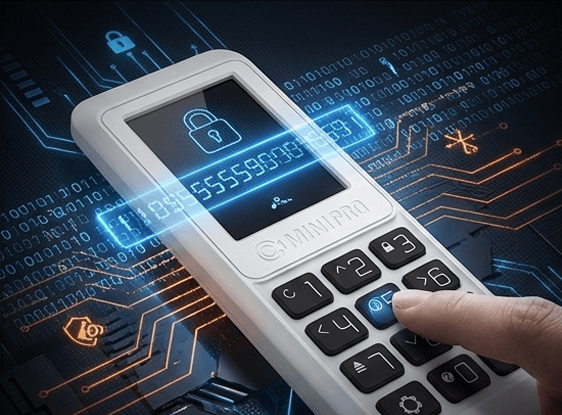
Perfect Security

ST400/LK100 offers uncompromising security. With an unprecedented up to 76-digit hardware PIN with a 2nd Password system, it renders brute-force intrusion attempts completely futile. It’s not just difficult to crack; it’s mathematically impossible.

100%
Hardware Emulation

100%
Hardware Emulation

100%
Hardware Emulation

Forget the frustrating and time-consuming process of burning ISOs to USB drives. With the IODD ST400/ST300, simply copy your files and you’re ready to go. From legacy BIOS to modern UEFI, our 100% hardware-level emulation guarantees flawless compatibility and unmatched stability on any PC. Slash your setup time to seconds and boot with absolute confidence.

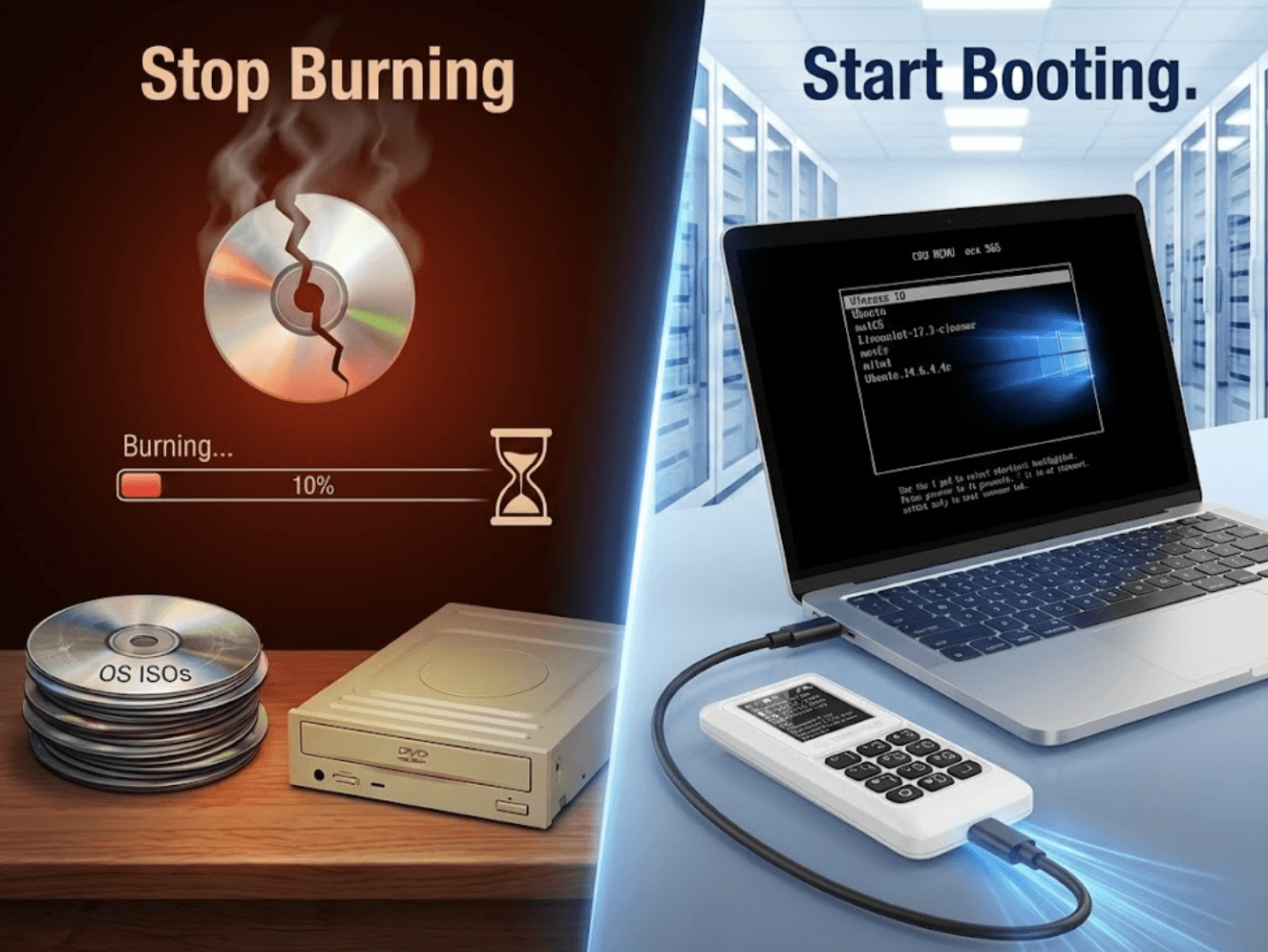
Stop Burning,
Start Booting.

Simply drag, drop, and mount instantly via the hardware interface. Featuring 100% hardware-level emulation, it bypasses the common boot failures and compatibility issues of standard USBs. Ensure a flawless, first-time boot on any server—from legacy systems to modern workstations—and slash your setup and recovery times.
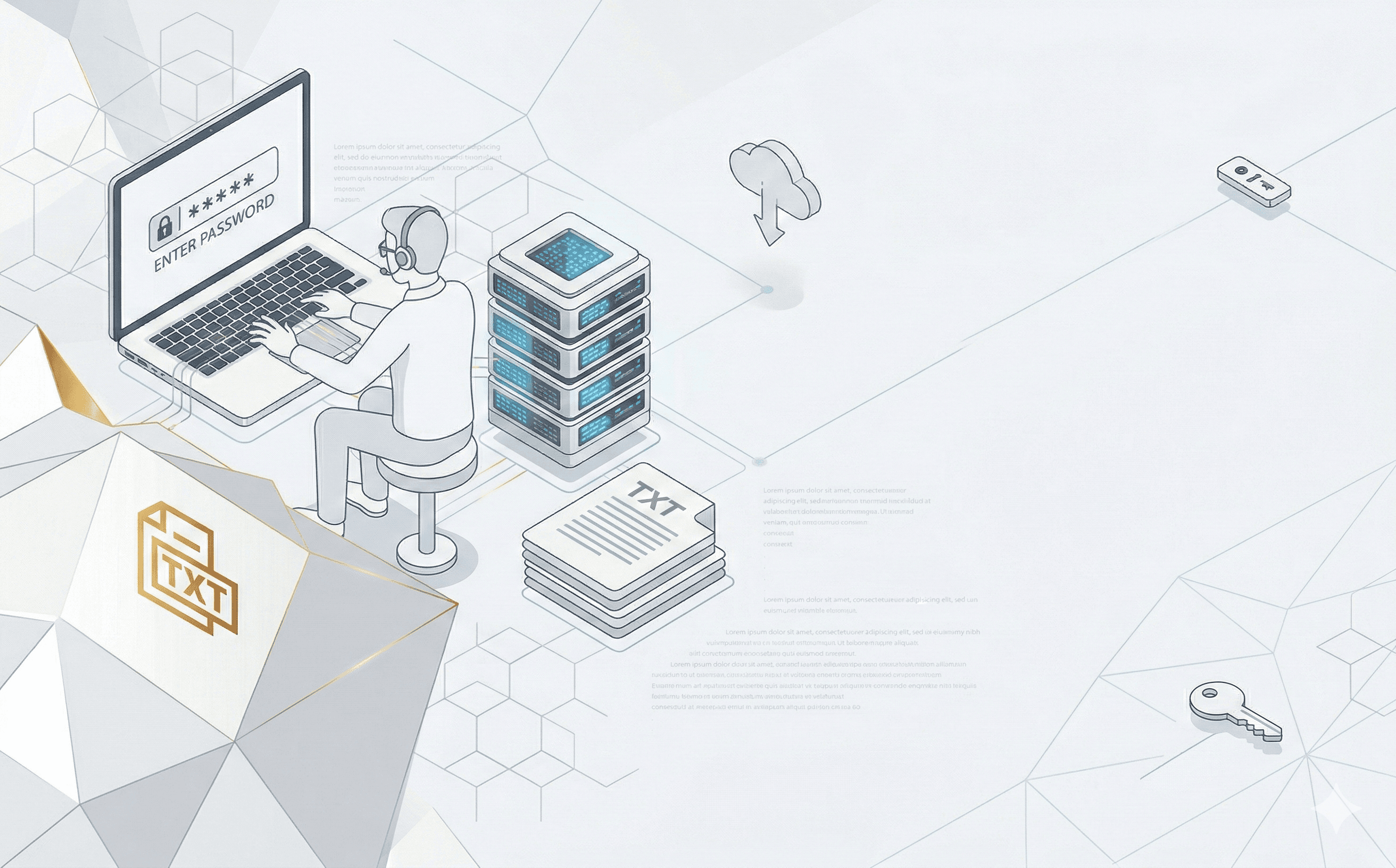
TEXT Viewer
UTF-16 (UCS-2) and ASCII

TEXT Viewer
UTF-16 (UCS-2) and ASCII

TEXT Viewer
UTF-16 (UCS-2) and ASCII

Directly view TEXT files on your IODD screen. Ideal for checking serial keys or installation notes during work.

Directly view TEXT files on your IODD screen. Ideal for checking serial keys or installation notes during work.

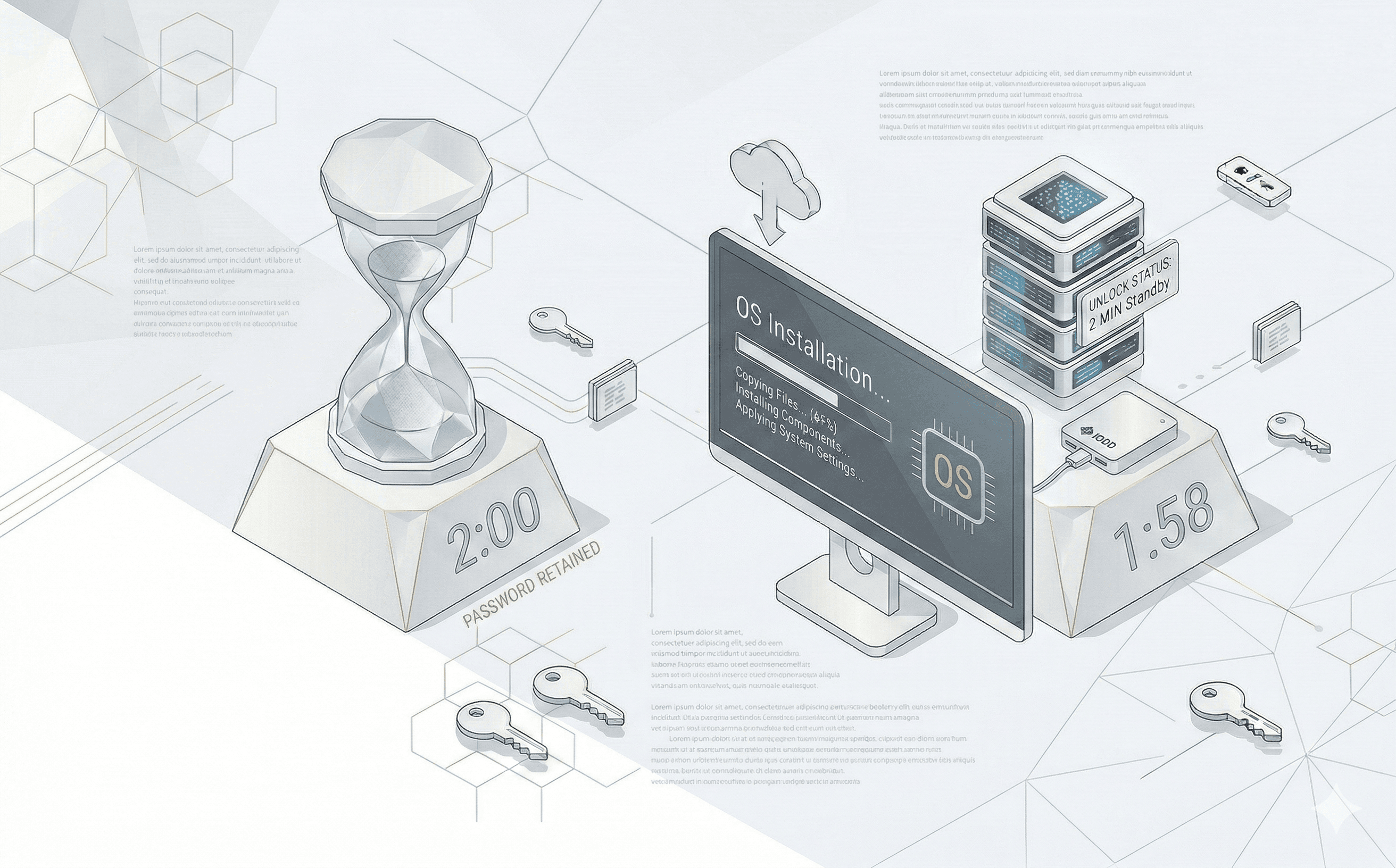
Keep 2min.PW
Smart Unlock Standby

Keep 2min.PW
Smart Unlock Standby

Keep 2min.PW
Smart Unlock Standby

We've completely eliminated the workflow delays caused by reboots. The '2-Minute Unlock Retention' feature remembers the unlocked state for 2 minutes, even if power is temporarily lost during a restart. It dramatically reduces the fatigue of repetitive password entries while maintaining robust security.

We've completely eliminated the workflow delays caused by reboots. The '2-Minute Unlock Retention' feature remembers the unlocked state for 2 minutes, even if power is temporarily lost during a restart. It dramatically reduces the fatigue of repetitive password entries while maintaining robust security.

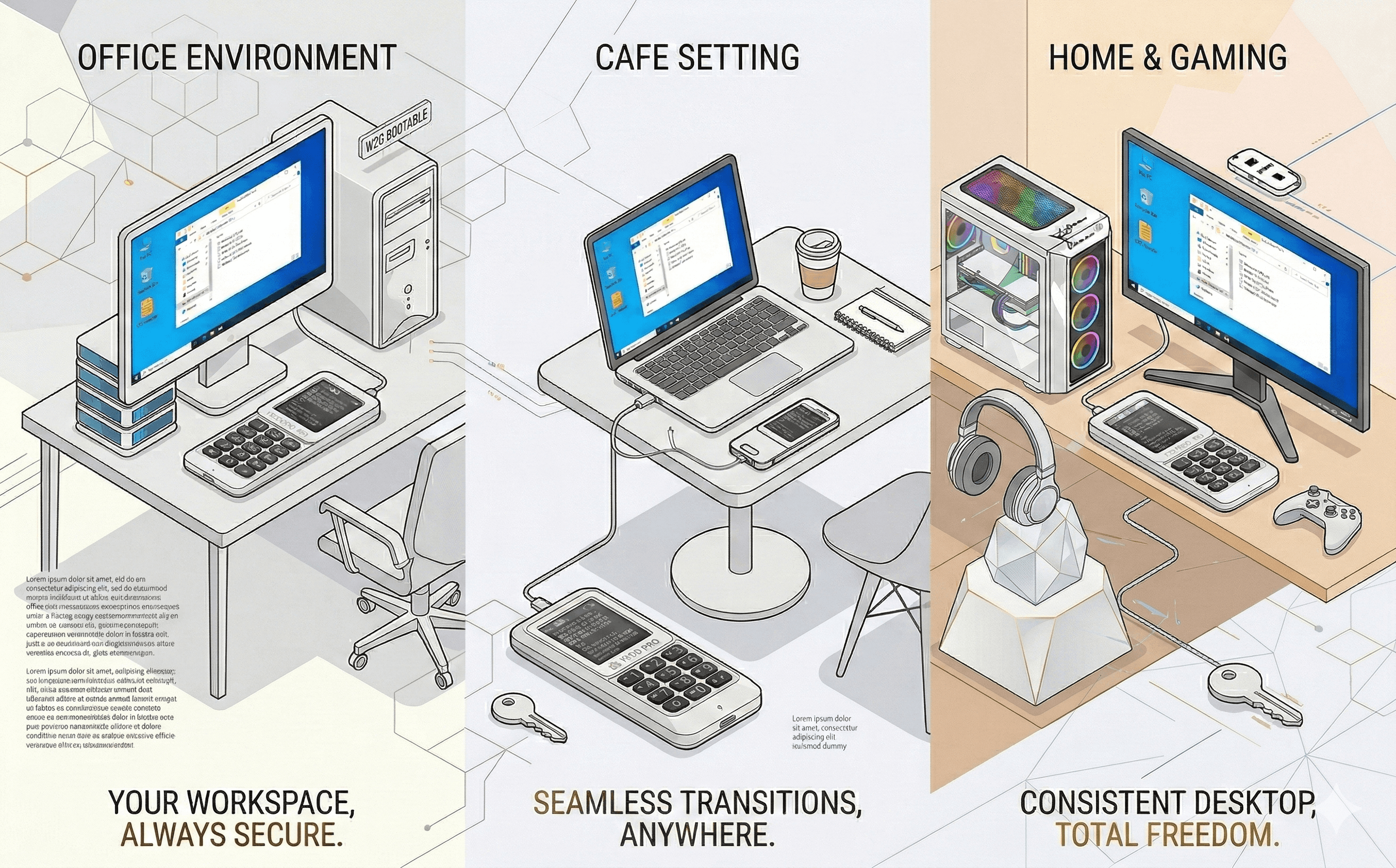
Windows To go
Secure Roaming OS System

Windows To go
Secure Roaming OS System

Windows To go
Secure Roaming OS System

Whether you're on a business trip, in a cafe, or using a shared meeting room PC, enjoy your familiar desktop environment. Launch your essential software and custom settings instantly, with absolutely zero installation required.
DISPLAY
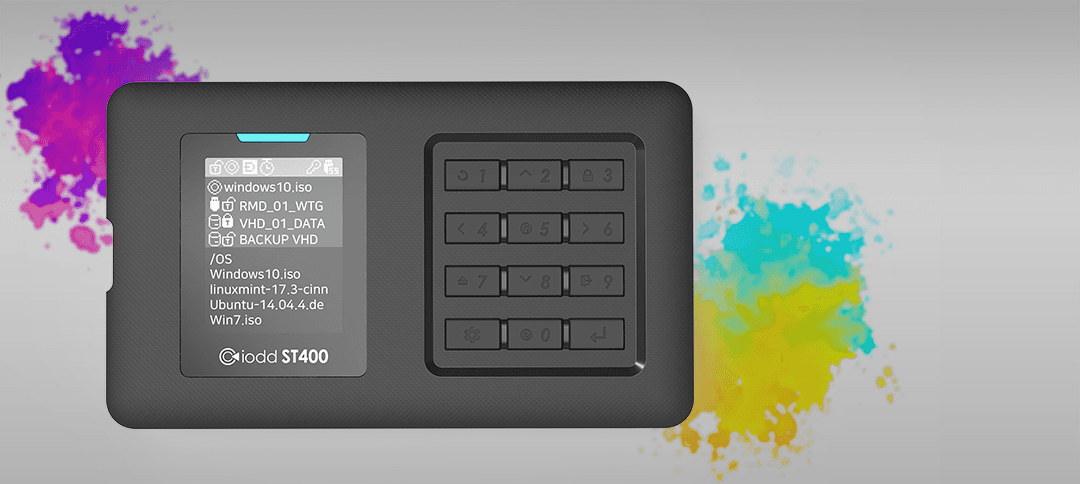
128xRGBx160 1.77"

DISPLAY
128xRGBx160 1.77"

DISPLAY
128xRGBx160 1.77"

Leave the cramped 128x32 screen behind. See all your information clearly at a glance with the all-new 128x160 high-resolution color display.

Leave the cramped 128x32 screen behind. See all your information clearly at a glance with the all-new 128x160 high-resolution color display.

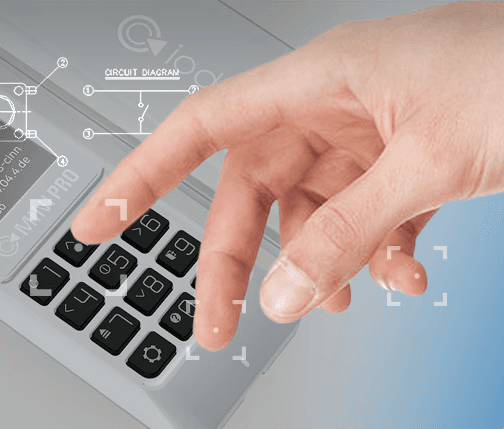
Tactile 12 Key
With Start-up Keys

Tactile 12 Key
With Start-up Keys

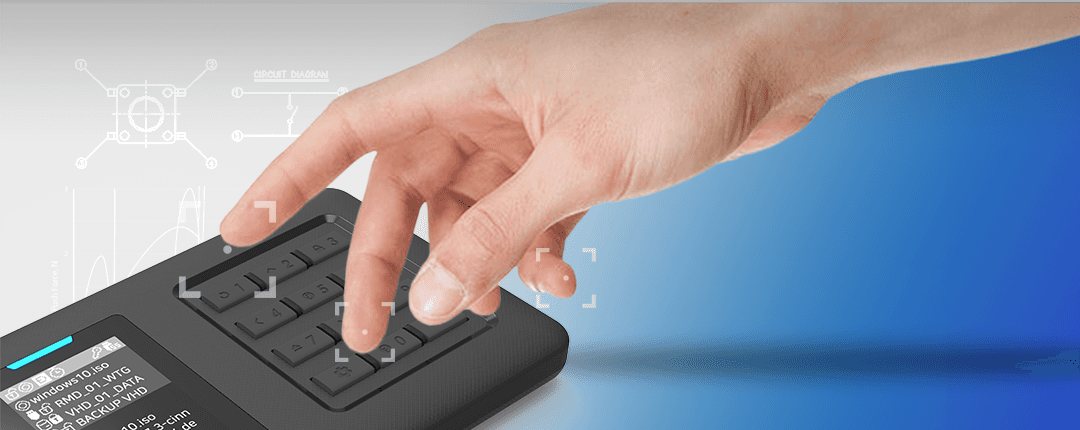
Take full control of your device with 12 precise, tactile keys.Hold a designated Startup Key while connecting to seamlessly trigger custom functions.Secure your data instantly by launching Write-Protect mode without navigating menus.

Tactile 12 Key
With Start-up Keys

Take full control of your device with 12 precise, tactile keys.Hold a designated Startup Key while connecting to seamlessly trigger custom functions.Secure your data instantly by launching Write-Protect mode without navigating menus.

IODD ST400 Specifications

Smart External Enclosure

Feature

Specification

Encryption

AEX256bit-XTS Up to 76 digits & 2nd password

Display

128x160 TFT LCD

Input method

Tact-SWitch

Internal Drive

2.5 inch SSD/HDD(7mm or less)

Dimension

80 x 140 x 14 mm

Weight

100g

Material

PC/Acryl

Internal Interface

SATA2/SATA3(Backward Compatible)

EXternal Interface

USB-C (USB 3.1 Gen 1)

Power

DC +5V USB Power

Supported Files

ISO/VHD/RMD/VMDK/IMA

Supported OS

Windows 7 or later, MacOSX or later

TRIM/UAS

Software Support (IODD SSD Tools)

Manufacturer

IODD Co.,LTd.

Country of origin

Republic of Korea

FAQ

How does iodd work?
icon

IODD is a hardware-based virtual optical and virtual hard drive device. It allows you to mount ISO, VHD, and other supported image files stored on an internal drive and present them to a computer as if they were real physical drives (DVD-ROM or HDD/SSD). Because the emulation is handled entirely by hardware, the computer recognizes the device immediately without any special drivers.

What type of internal drive does the product support?
icon

The internal drive is a standard SATA-based HDD or SSD, depending on the model. Users can install their own drive and format it using common partition schemes such as MBR or GPT. Supported file systems include NTFS, exFAT, and FAT32, ensuring compatibility with most operating systems.

What operating systems are supported?
icon

The product works with Windows, macOS, and Linux. Since it appears as a standard USB mass storage and optical drive device, no operating-system-specific customization is required. It also works in BIOS and UEFI environments for OS installation and system recovery.

Is software installation required to use the product?
icon

No software installation is required for normal use. All core functions, including image mounting and drive emulation, are performed by the device itself. Optional management software is available for advanced settings such as password management, firmware updates, and emergency recovery.

Does the product support encryption and password protection?
icon

Yes. Supported models provide hardware-based AES-256 encryption. Passwords are processed internally by the device, and performance is not reduced when encryption is enabled. Some models also support multi-user and administrator modes for enhanced security control.

Can the product be used for operating system installation and system recovery?
icon

The product is widely used for installing operating systems, performing system recovery, firmware updates, and maintenance tasks. It behaves like a real optical drive, making it highly compatible with legacy systems and enterprise environments.

Will using this product affect system performance?
icon

No. Because drive emulation and encryption are handled entirely by dedicated hardware, there is no CPU load on the host computer. Data transfer speed depends primarily on the USB interface and the performance of the installed internal drive.

Is the product portable and suitable for professional use?
icon

Yes. The compact design makes it easy to carry, and it is commonly used by IT professionals, system administrators, and technicians. It is especially useful in environments where multiple operating systems, tools, and installers need to be accessed reliably without modifying the host system.

Perfect Solution

Perfect Solution

For IT Admin

For IT Admin